Affiliate Disclosure: This page contains affiliate links. If you buy through these links, PrintPilotLab may earn a small commission at no extra cost to you.
Setup Guide
Printer Setup & Calibration Fundamentals
Get your printer dialed in from day one — assembly, leveling, first layer, and the calibrations that actually matter.
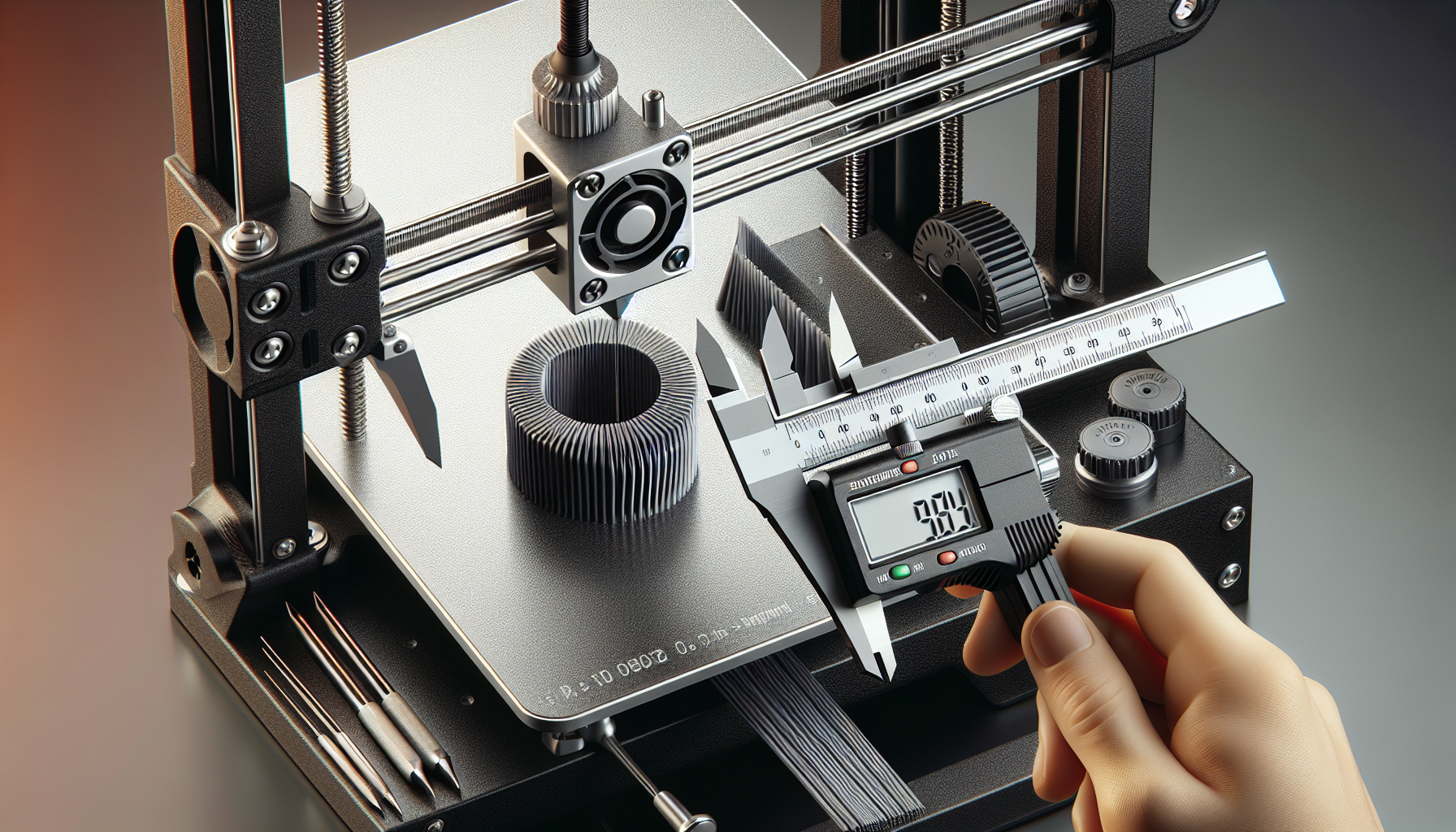
Most failed prints aren’t caused by bad settings in the slicer — they’re caused by a printer that was never properly set up. Spend an hour on these fundamentals when your printer is new (or when something goes wrong) and you’ll eliminate 80% of the problems beginners run into.
Assembly — Take Your Time
Most printer issues trace back to rushed assembly. Loose frame bolts cause wobble. Misaligned gantry causes layer shift. Follow the manual step by step, and double-check every bolt before powering on.
- Check all frame bolts are snug but not overtightened
- Ensure the X gantry is square to the frame (measure both sides)
- Verify belts are evenly tensioned — they should twang like a low guitar string
- Route cables so they don’t snag on moving parts
Bed Leveling
Getting the bed level (or more accurately, tramming it to be parallel with the gantry) is the single most important calibration step. A bad first layer ruins every print.
Manual leveling:
- Home all axes, then disable steppers
- Move the nozzle to each corner — slide a piece of paper underneath
- Adjust each corner knob until you feel slight resistance on the paper
- Repeat all four corners twice — adjusting one corner affects the others
Auto bed leveling (ABL): If your printer has a BLTouch, CR Touch, or inductive probe, run the mesh leveling routine after every nozzle or bed surface change.
Z Offset
Z offset sets the exact gap between your nozzle and bed at home position. This is separate from bed leveling and needs to be dialed in on its own.
- Too high: Filament doesn’t stick, curls up, spaghetti
- Too low: Nozzle scrapes bed, no extrusion, clicks from extruder
- Just right: First layer lines are slightly squished, smooth surface, lines merge at edges
E-Steps Calibration
E-steps tell your printer how many motor steps equal 1mm of extruded filament. If this is wrong, everything else suffers — under-extrusion, over-extrusion, weak parts, bad surfaces.
- Mark 100mm of filament above the extruder with a marker
- Command the printer to extrude 100mm
- Measure how much filament actually moved
- Calculate: New E-steps = (Current E-steps × 100) ÷ Actual mm extruded
- Update in firmware or EEPROM and save
Temperature & First Layer Settings
Once mechanical calibration is done, dial in your slicer settings. For PLA, start with 200°C nozzle / 60°C bed / 25mm/s first layer speed. Adjust from there based on what you see.
- Stringing → lower nozzle temp by 5°C or increase retraction
- Poor adhesion → lower Z offset, slow first layer, clean bed surface
- Under-extrusion → raise temp, check e-steps, check for partial clog
✅ Setup Checklist
Run through this in order for any new printer
- □ Frame bolts tight, gantry square, belts tensioned
- □ Bed leveled (manual tramming + ABL mesh if available)
- □ Z offset dialed in with a first layer test
- □ E-steps verified and updated if needed
- □ Flow rate calibrated with single-wall cube
- □ Temperature verified with temp tower print
- □ Retraction tuned to eliminate stringing
🏆 Bottom Line
Calibration isn’t glamorous but it’s the difference between a printer that fights you and one that just works. Spend the time upfront on these five steps and you’ll rarely need to troubleshoot again.