Affiliate Disclosure: This page contains affiliate links. If you buy through these links, PrintPilotLab may earn a small commission at no extra cost to you.
2026 Buying Guide
Best 3D Printer Filament Dryers (2026)
Practical picks for PLA, PETG, TPU, and Nylon — keep your filament print-ready and eliminate stringing and weak layers.
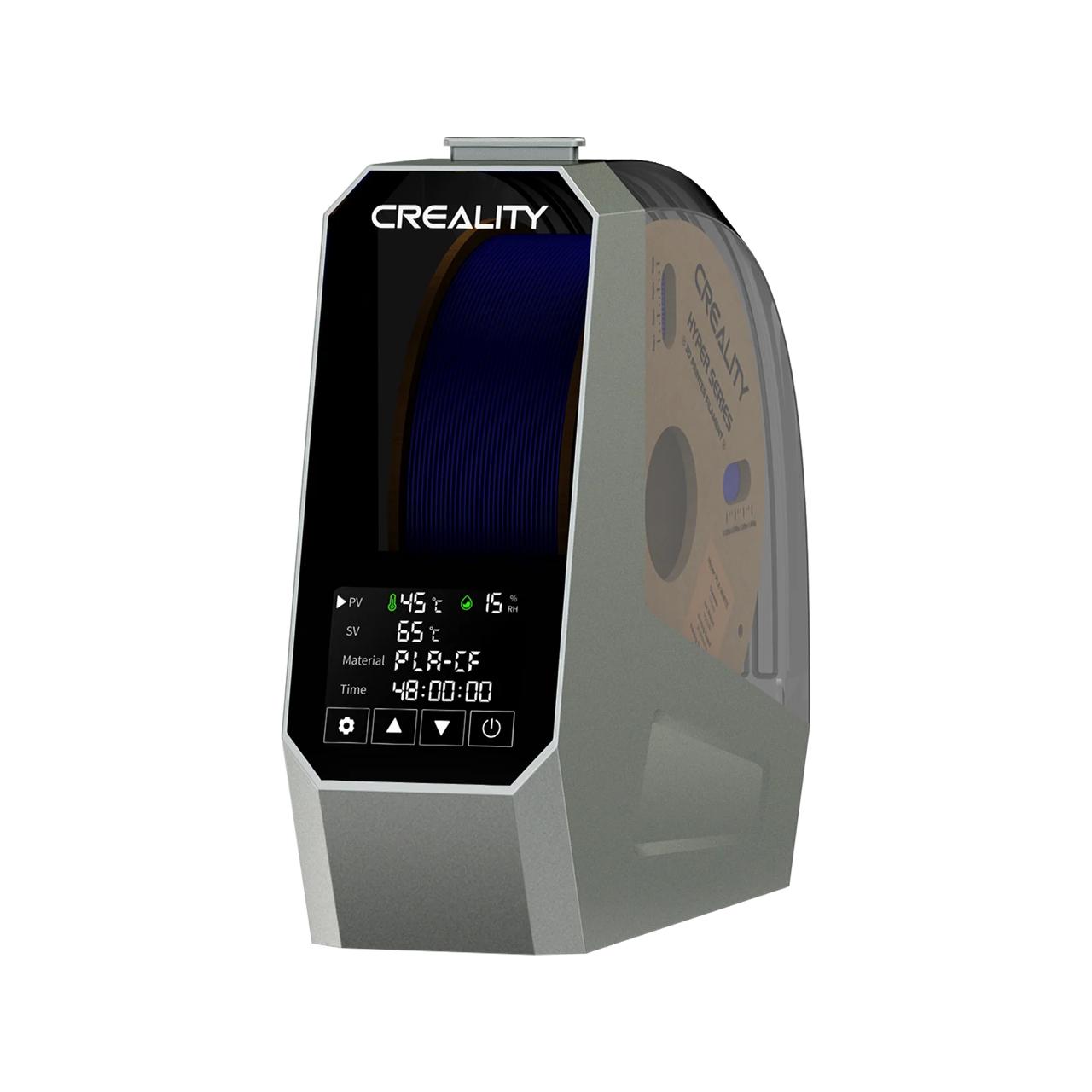
Moisture is the silent killer of print quality. Wet filament causes popping sounds, excessive stringing, weak layer adhesion, and bubbly surfaces — and it’s often misdiagnosed as a retraction or temperature problem. A dedicated filament dryer solves it cleanly: load the spool, set the temperature, and come back to dry, print-ready filament. These are the best options in 2026.
⚡ Quick Picks
- Best Overall: Sunlu S2 (~$30)
- Best for Active Drying While Printing: Polymaker PolyDryer Box (~$40)
- Best for Nylon & High-Temp Filaments: EIBOS Cyclopes (~$50)
- Best Budget Pick: Sovol SH01 (~$25)
📊 At a Glance Comparison
| Dryer | Price | Max Temp | Print While Drying | Display | Rating |
|---|---|---|---|---|---|
| Sunlu S2 | ~$30 | 70°C | Yes | Temp + humidity | ★★★★★ |
| Polymaker PolyDryer | ~$40 | 65°C | Yes | Temp + humidity | ★★★★★ |
| EIBOS Cyclopes | ~$50 | 80°C | Yes | Temp + humidity + timer | ★★★★★ |
| Sovol SH01 | ~$25 | 55°C | Yes | Basic temp display | ★★★★☆ |
Our Top Picks
🥇 Best Overall
Sunlu Filament Dryer S2
★★★★★ | ~$30 | Max 70°C
The Sunlu S2 is the go-to recommendation for most 3D printer users. It heats to 70°C (enough for PLA, PETG, ABS, and most TPU), displays real-time temperature and humidity, has a filament feed hole for print-while-drying, and fits standard 1kg spools. At $30 it’s one of the cheapest investments you can make for print quality improvement.
🧲 Best for Active Printing
Polymaker PolyDryer Box
★★★★★ | ~$40 | Max 65°C
Polymaker’s PolyDryer is designed as much for sealed storage as active drying. The airtight lid with desiccant keeps moisture out between prints, and the heating element dries the spool when you need it. Excellent temperature accuracy, a clean feed hole design, and Polymaker’s reputation for quality all make this a step up from the Sunlu for PETG and moisture-sensitive filaments.
🌡️ Best for High-Temp Filaments
EIBOS Cyclopes Filament Dryer
★★★★★ | ~$50 | Max 80°C
The Cyclopes hits 80°C — the highest of any dryer on this list — making it the right choice for Nylon (PA), which requires 70–80°C for effective drying. It also has the most complete display: temperature, humidity, and a countdown timer. If you print engineering materials regularly, the extra temperature range is worth the small price premium over the Sunlu S2.
💰 Best Budget Pick
Sovol SH01 Filament Dryer
★★★★☆ | ~$25 | Max 55°C
At $25 the Sovol SH01 is the cheapest dedicated filament dryer worth recommending. Max temp of 55°C limits it to PLA drying only — not enough for PETG (65°C) or Nylon (75–80°C). But for PLA-only printers, it’s a solid entry point that’s far better than no dryer at all. Simple controls, print-while-drying capable, and compact.
Drying Temperature Reference
| Material | Drying Temp | Drying Time | Moisture Sensitivity |
|---|---|---|---|
| PLA | 45–50°C | 4–6 hrs | Low–Medium |
| PETG | 55–65°C | 4–6 hrs | Medium |
| TPU / TPE | 45–55°C | 4–8 hrs | High |
| ABS / ASA | 65–75°C | 4–6 hrs | Medium |
| Nylon (PA) | 70–80°C | 8–12 hrs | Very High |
🏆 Our Final Recommendation
For most users: Sunlu S2 at $30 — handles PLA, PETG, and TPU at the lowest price worth recommending. Print Nylon or PA regularly? Step up to the EIBOS Cyclopes for the 80°C ceiling.