Troubleshooting Guide
Why Do 3D Prints Fail?
A beginner-friendly explanation of the most common 3D print failures and how to narrow down the real cause.
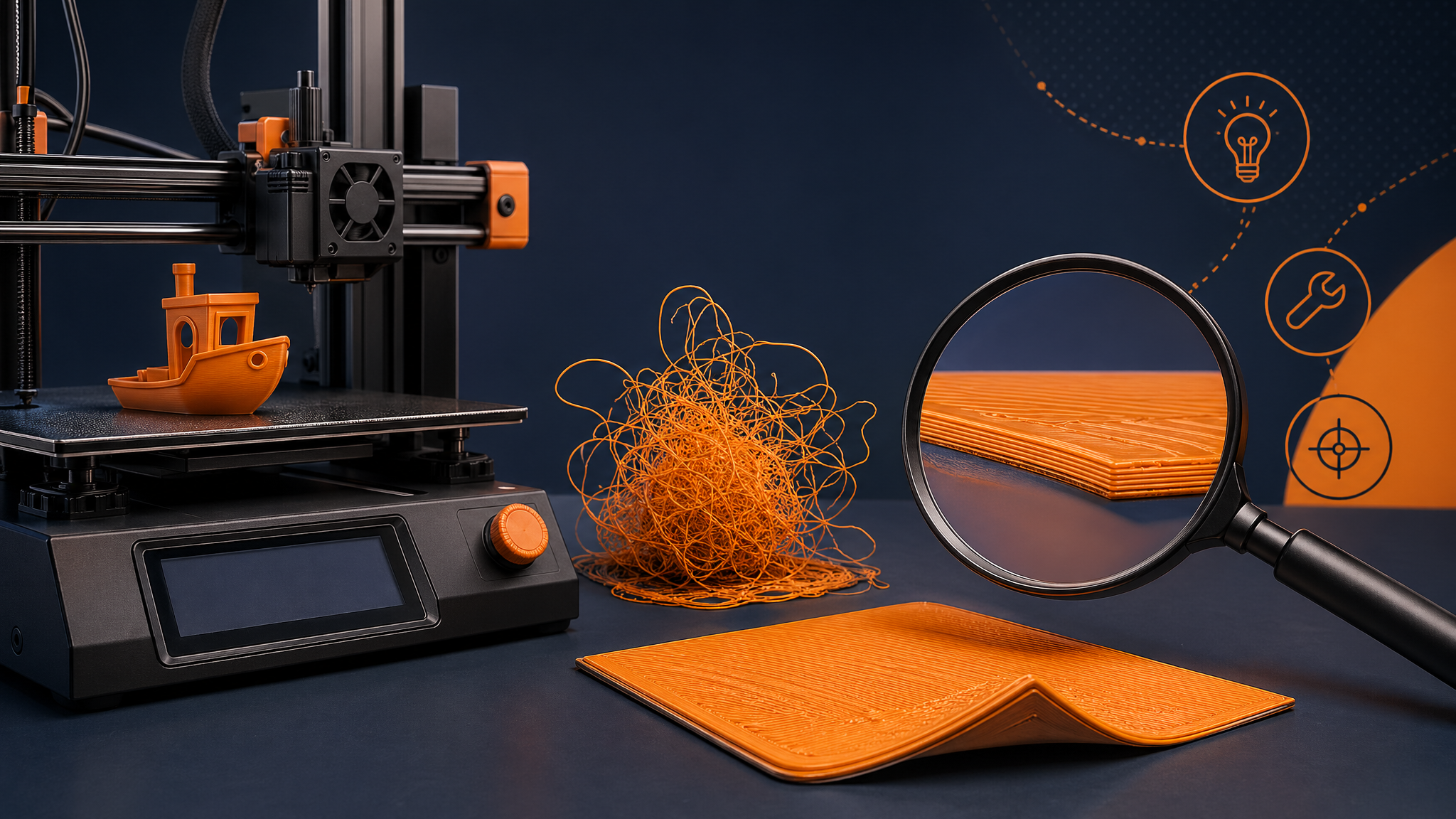
Quick Answer
Most 3D prints fail because of first-layer problems, poor bed adhesion, incorrect nozzle or bed temperature, wet filament, clogged nozzles, unstable supports, or slicer settings that do not match the model. Start diagnosis with the first layer, then check temperature, filament condition, supports, and mechanical issues.
A failed print is frustrating, but it usually leaves clues. The key is to identify when the failure happened: before adhesion, during the first few layers, halfway through, or near the end.
01
First-Layer Problems
If the print fails immediately, the nozzle may be too high, too low, the bed may be dirty, or the build plate temperature may be wrong. First-layer problems are the most common beginner failure because every print depends on that first layer sticking cleanly.
02
Temperature and Cooling Issues
Too cold can cause weak layer bonding and under-extrusion. Too hot can cause stringing, blobs, and soft details. Cooling that is too aggressive can cause warping on some materials, while too little cooling can deform small PLA details.
03
Wet or Low-Quality Filament
Wet filament can pop, hiss, string, create rough surfaces, and weaken prints. PLA is more forgiving than nylon or TPU, but storage still matters, especially in humid rooms.
04
Support and Model Problems
If the print fails halfway up, unsupported overhangs, thin contact points, bad orientation, or weak supports may be the cause. Rotate the model, add supports, or split large designs into easier sections.
05
Mechanical Issues
Loose belts, dirty rods, partial clogs, worn nozzles, and unstable beds can all cause repeat failures. If the same print fails at the same height every time, inspect the machine and the sliced file.
Use the PrintPilotLab Troubleshooting Path
For step-by-step diagnosis, use the 3D printing troubleshooting decision tree and the bed adhesion fixes guide.
FAQ
What is the most common reason 3D prints fail?
First-layer adhesion is the most common reason, especially for beginners.
Why does my print fail halfway through?
Common causes include supports breaking, a partial clog, poor layer adhesion, a shifted axis, or the model detaching from the bed.
Should I change slicer settings after every failed print?
No. Change one thing at a time so you know what actually fixed the problem.
Print better with fewer surprises
Use this guide with PrintPilotLab’s beginner setup, slicer settings, and troubleshooting resources to make smarter printing decisions.