Beginner Guide
What Is Infill in 3D Printing?
Infill controls the inside of your print: strength, weight, material use, and how long the job takes.
Quick Answer
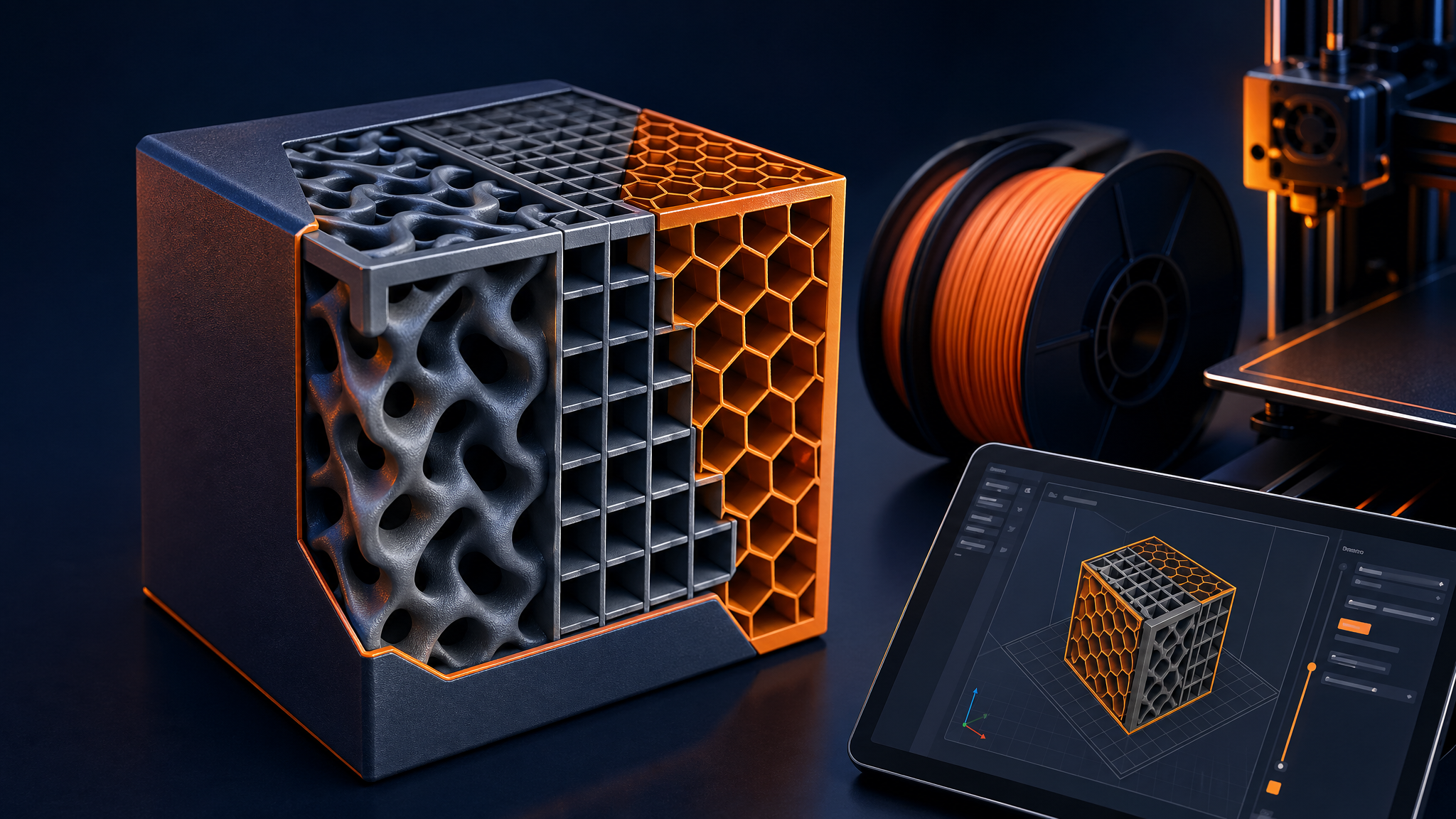
Infill is the internal structure printed inside a 3D model. A 0% infill part is mostly hollow, while 100% infill is solid plastic. Most beginner FDM prints work well at 10–20% infill, while functional parts often need stronger walls, better orientation, and sometimes 25–40% infill.
Infill is one of the easiest slicer settings to change, but it is also one of the most misunderstood. More infill can help, but it is not a magic strength button.
01
What Infill Percentage Means
Infill percentage tells the slicer how much internal structure to print. A 15% infill part has sparse internal supports. A 50% infill part has a much denser interior, uses more filament, and takes longer to print.
02
Best Infill Settings for Beginners
- Decorative prints: 5–10%
- General prints: 10–20%
- Functional parts: 20–40%
- Flexible TPU: adjust based on squish and part feel
- Maximum strength: improve design, orientation, and walls before jumping to 100%
03
Best Infill Patterns
Grid is simple and common. Gyroid is strong in multiple directions and often prints smoothly. Lines are fast. Cubic can be useful for stronger functional parts.
04
Walls Often Matter More Than Infill
For many FDM parts, adding another wall/perimeter improves strength more efficiently than raising infill. If a bracket breaks at the edge or layer lines, more infill may not solve the real problem.
Related PrintPilotLab Guides
For stronger parts, read how to design strong FDM parts and review slicer settings that actually matter.
FAQ
Is 20% infill strong enough?
For many everyday prints, yes. Functional parts may need more walls, better material, and improved print orientation.
Is 100% infill worth it?
Rarely for beginners. It uses much more filament and can create stress, warping, and long print times.
What infill is best for PLA?
For general PLA prints, 10–20% grid or gyroid is a good starting point.
Print better with fewer surprises
Use this guide with PrintPilotLab’s beginner setup, slicer settings, and troubleshooting resources to make smarter printing decisions.