Start Here | Beginner 3D Printing Roadmap
If you’re new to 3D printing, this is the fastest path to consistent prints without the overwhelm. Follow these guides in order, run one test print after each step, and you’ll build a repeatable workflow instead of guessing.
Get weekly beginner-friendly print tips →
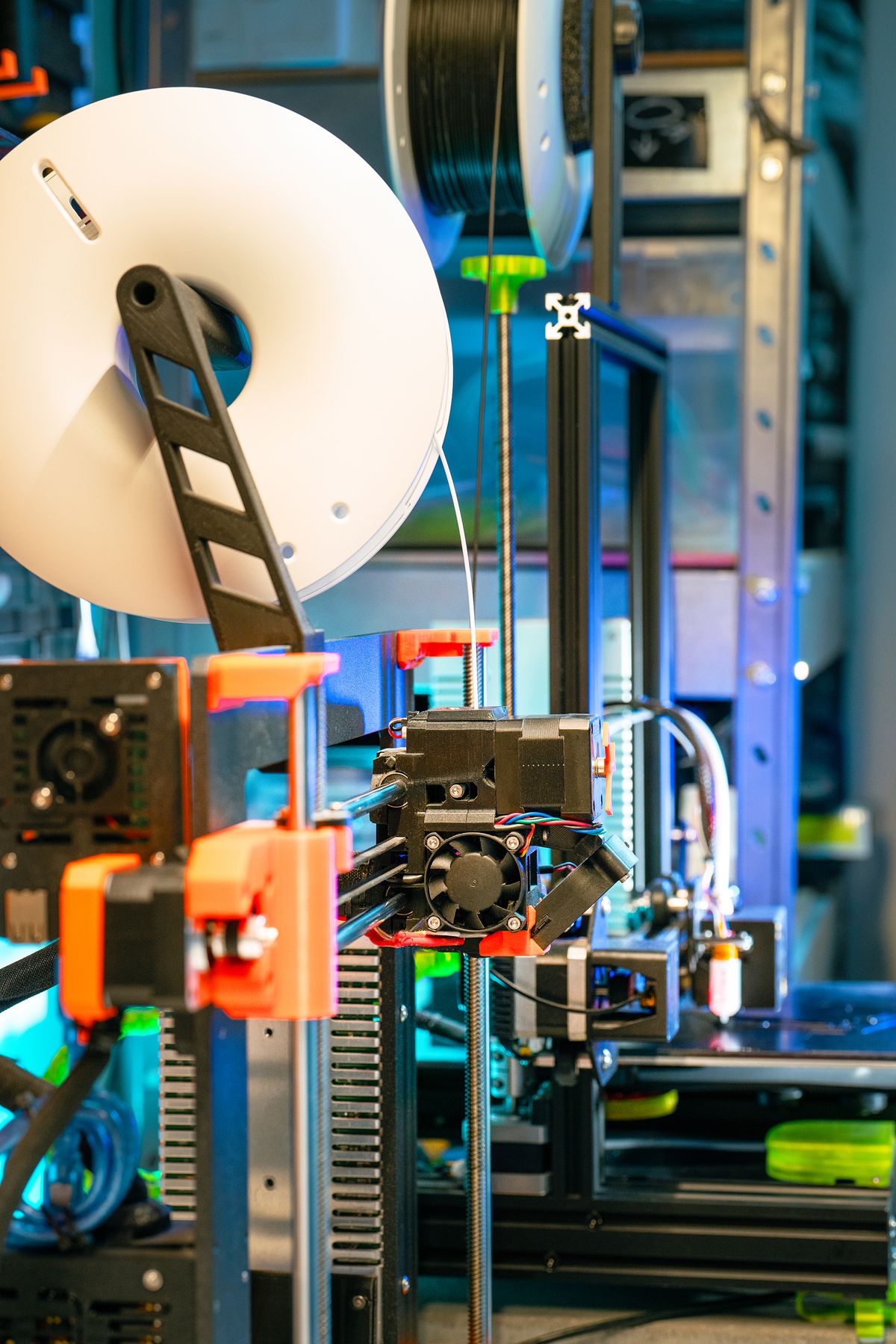
Your 5-Step Beginner Path
- Printer Setup & Calibration Fundamentals
Build a stable foundation so your machine is mechanically ready before tuning slicer settings. - Slicer Settings That Actually Matter
Learn the few settings that drive most of your quality results (and which ones can wait). - Material Basics (PLA, PETG, TPU, ABS)
Choose the right filament for your goal and avoid common material-specific mistakes. - Troubleshooting Decision Tree
Diagnose failed prints fast with a repeatable process instead of random trial-and-error. - Upgrade Priorities (What Matters First)
Spend money where it improves outcomes and skip low-impact upgrades early on.
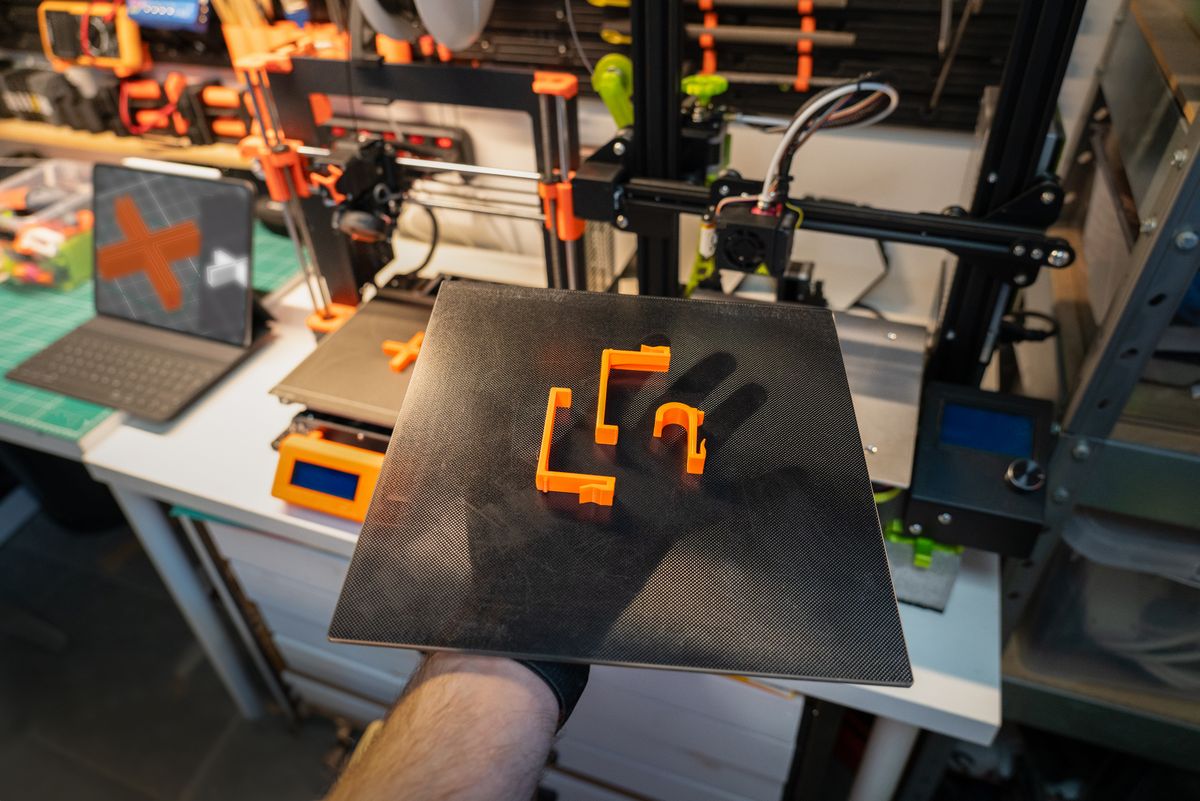
How to Use This Roadmap (So It Actually Works)
- Complete one guide at a time (don’t multitask settings changes).
- Print a small calibration/test model after each guide.
- Save known-good slicer profiles by material and nozzle size.
- Track what changed so you can repeat wins.
Best Next Guides After This
- Best 3D Printer Starter Kits for Beginners
- 3D Printer Bed Adhesion Fixes: 7 First-Layer Tweaks
- Best PLA Filament for Beginners
Quick FAQ
How long should this beginner path take?
Most beginners can complete it in 3–7 days if they run one short test print per step.
Should I buy upgrades before finishing this path?
Usually no. Fix process first, then upgrade with purpose once your baseline is stable.
Tip: If you get stuck, go straight to the Troubleshooting Decision Tree and work one variable at a time.