10 Beginner Mistakes That Waste Filament (And How to Fix Them)
Filament is expensive, and most beginners don’t waste it because their printer is bad—they waste it because of a few repeatable setup mistakes. The good news: these are fixable with a simple workflow.
Use this guide as a practical checklist to reduce failed prints, improve first-layer consistency, and make each spool go further.
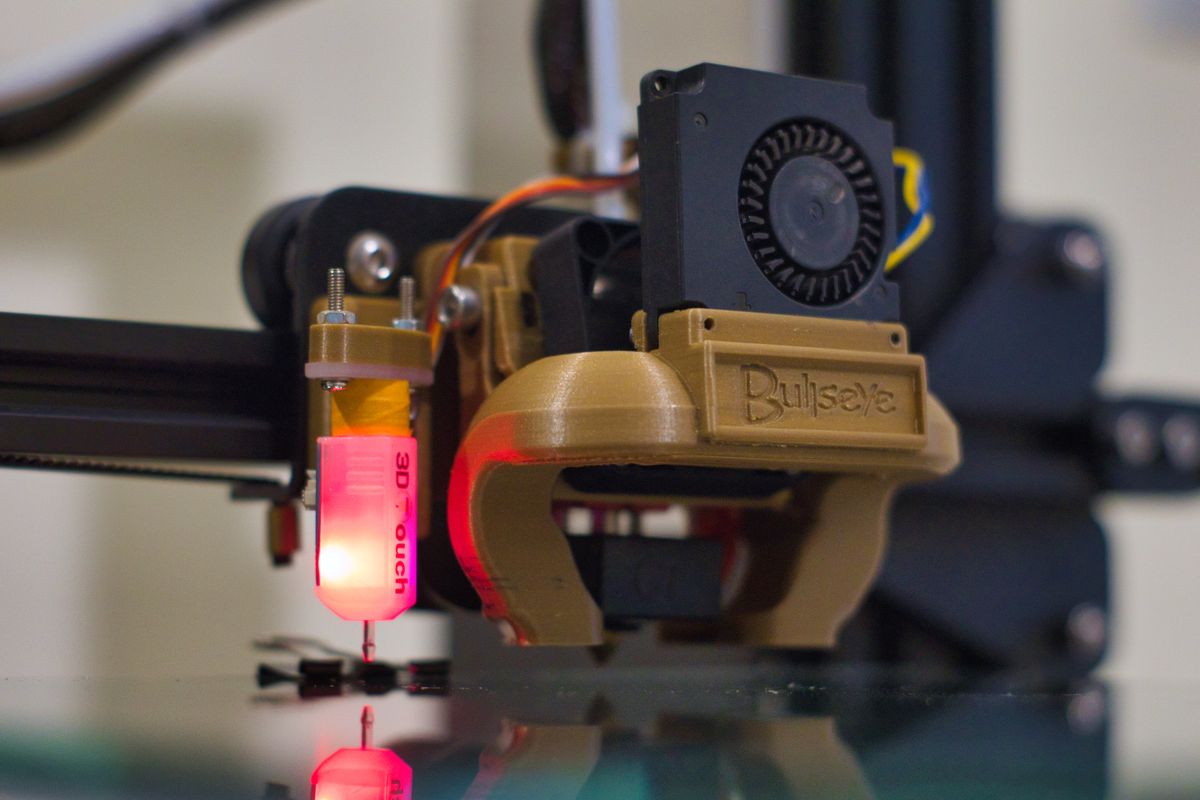
The 10 Most Common Filament-Wasting Mistakes
1) Printing without first-layer calibration
If your first layer is inconsistent, the rest of the print is at risk. Run a quick first-layer test before long jobs.
2) Skipping bed cleaning before long prints
Oils and dust reduce adhesion. Wipe with isopropyl alcohol and a lint-free cloth before each session.
3) Using old or moisture-damaged filament
Wet filament causes stringing, weak layers, and failed details. Store spools dry and replace low-quality stock when needed.
4) Using default slicer profiles without tuning
Defaults are starting points, not final settings. Tune for your printer, nozzle, and filament brand.
5) Printing too fast too soon
Speed hides mistakes and increases failure rates. Slow down until quality is consistent, then scale speed gradually.
6) Ignoring support strategy on complex geometry
Unsupported overhangs often fail late in a print, wasting hours and material.
7) Not checking nozzle wear or partial clogs
Worn or clogged nozzles cause under-extrusion and weak walls. Inspect and replace on schedule.
8) Running aggressive cooling on small features
Too much fan too early can reduce layer bonding and cause print defects.
9) Skipping test prints before full-size jobs
A 10–20 minute test part can save an entire spool.
10) Changing multiple settings at once
This is the fastest way to lose track of what works. Change one variable at a time and document results.
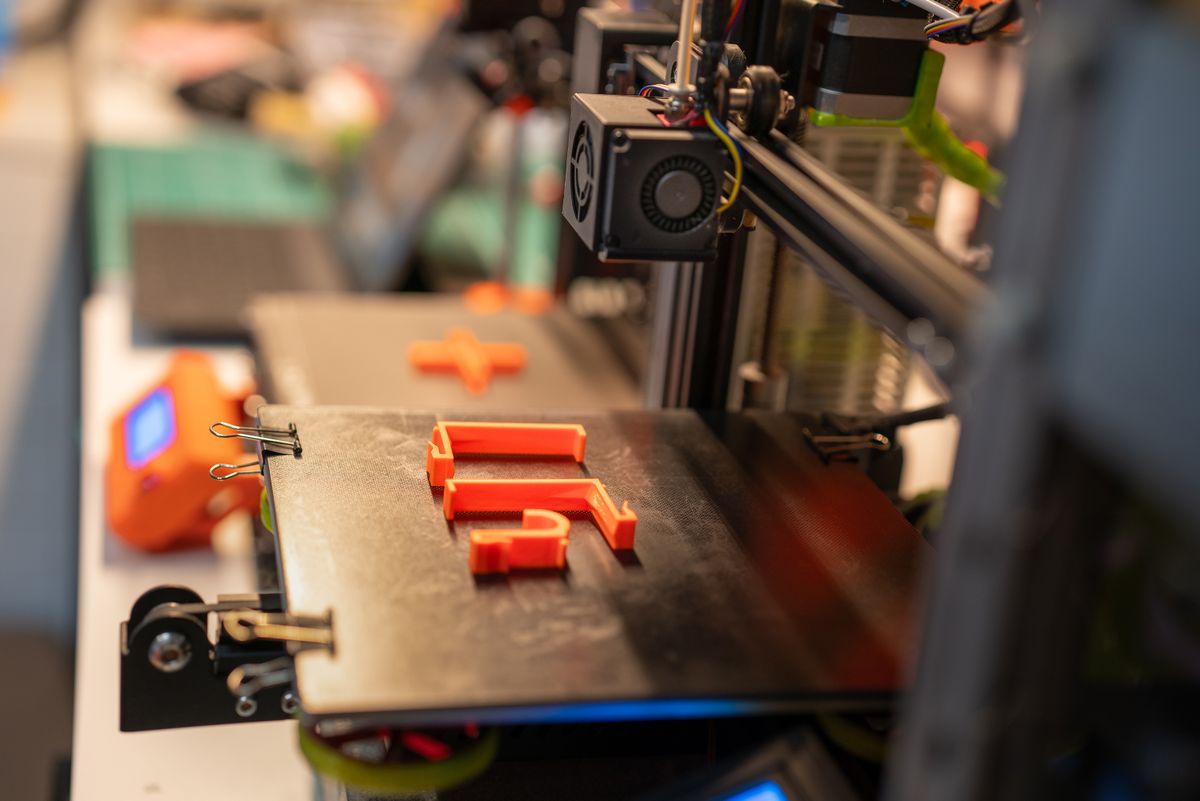
Quick Fix Workflow (Use Every Time)
- Dial first-layer height and adhesion first
- Run a short calibration print
- Tune one slicer variable at a time
- Save known-good profiles by filament + nozzle
Related Guides
- PLA Temperature & First-Layer Settings for Beginners
- 3D Printer Bed Adhesion Fixes
- Best PLA Filament for Beginners
- Best 3D Printer Starter Kits for Beginners
Bottom line: You don’t need perfect settings—you need a repeatable process. When you calibrate early and test methodically, failed prints and wasted filament drop fast.