3D Printer Bed Adhesion Fixes: 7 First-Layer Tweaks That Work
Affiliate disclosure: Some links on PrintPilotLab may be affiliate links. If you buy through them, we may earn a commission at no extra cost to you.
If your prints are lifting, curling, or detaching mid-print, your first layer is the issue—not your luck. Bed adhesion problems are usually caused by a small number of setup mistakes that are easy to fix once you know the order.
This guide gives you a practical, beginner-friendly troubleshooting sequence so you can stop wasting filament and start getting consistent first layers.
Quick Diagnosis: What Your Failure Pattern Means
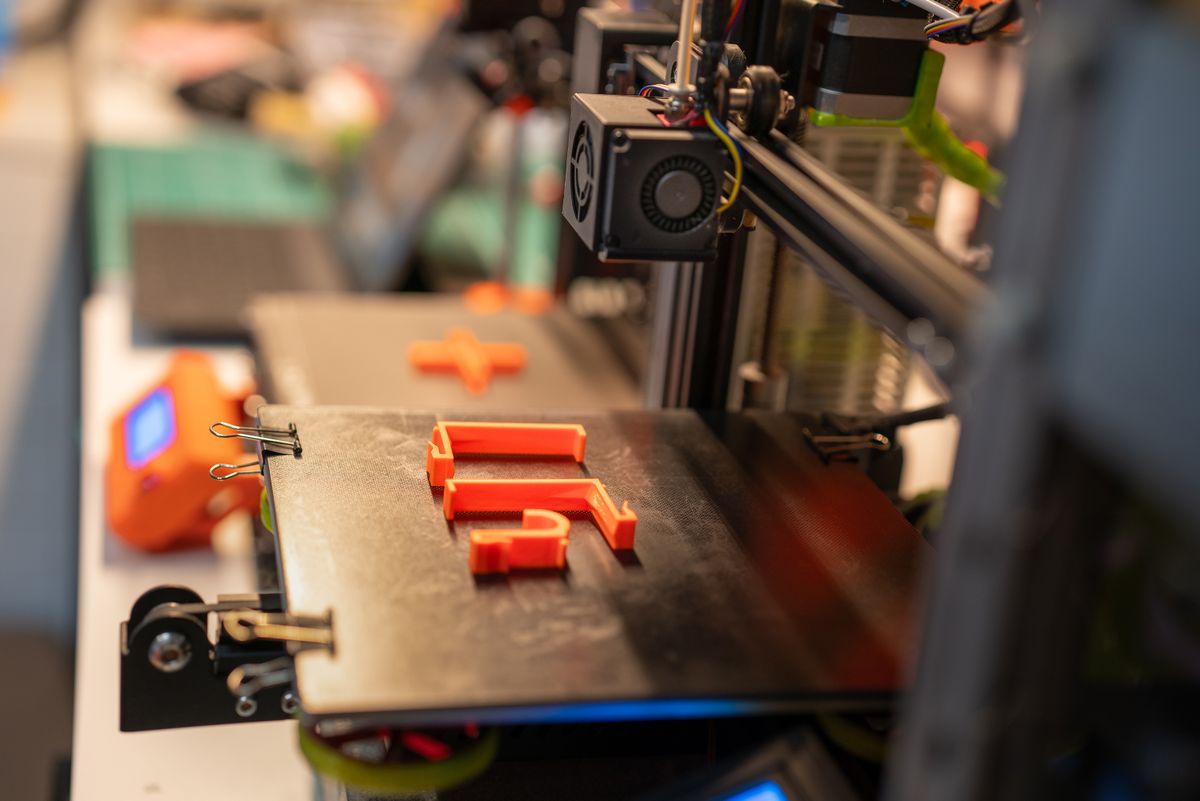
- Corners lifting: bed too cool, poor surface prep, or too much fan too early.
- Lines not sticking at all: nozzle too high or dirty build plate.
- Elephant foot + smearing: nozzle too low or first-layer flow too high.
- Random detach halfway through: unstable bed temp, poor Z-offset, or greasy plate.
The 7 First-Layer Tweaks (In Order)
1) Clean the Build Plate Properly
Before changing slicer settings, remove oils and residue. Wipe the plate with 90%+ isopropyl alcohol and a lint-free cloth. Avoid touching the print area with your fingers after cleaning.
2) Re-check Z-Offset (Nozzle Height)
A bad Z-offset is the #1 cause of adhesion failure. Your first-layer lines should look slightly squished and connected, not round strings sitting on top of the bed.
Rule of thumb: if lines look like loose spaghetti, lower Z slightly; if they look scraped and rough, raise Z slightly.
3) Slow the First Layer
Use first-layer speed around 15–25 mm/s while troubleshooting. Slower speed gives filament time to bond to the surface and removes variables.
4) Raise Bed Temperature in Small Steps
For PLA, start around 55–60°C. If adhesion is weak, move up in 2–3°C increments. Big jumps make troubleshooting harder.
For deeper setup values, use our PLA temperature and first-layer settings guide.
5) Reduce Part Cooling Fan for Layer 1–3
Too much fan early can cause corners to lift. Keep fan at 0% for layer 1, then ramp gradually (printer/material dependent).
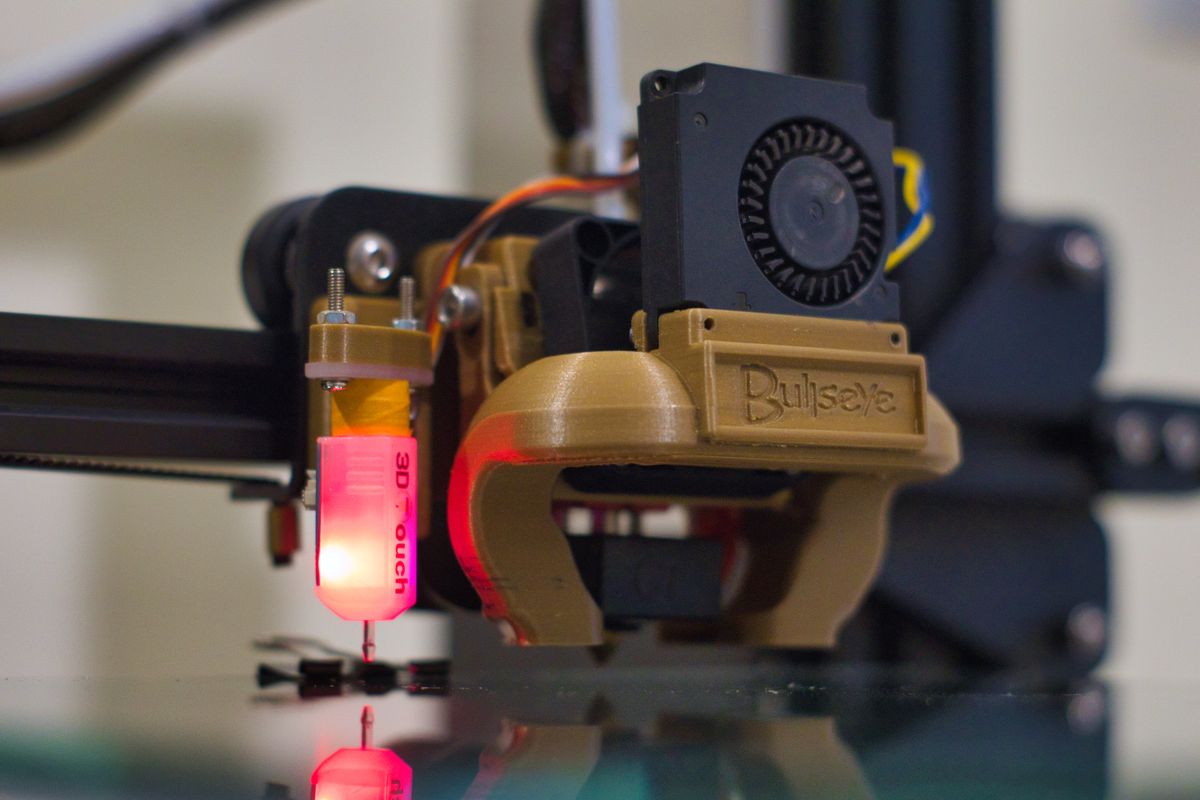
6) Verify Bed Mesh / Manual Leveling
Even with auto-leveling, run mesh calibration regularly and save it correctly. If one side of your bed fails repeatedly, your leveling workflow likely needs correction.
7) Use a Better Surface Strategy
If your plate is worn or inconsistent, switch to a reliable surface (like PEI) or use a light, appropriate adhesion aid for your material profile.
Beginner Bed Adhesion Checklist (Use Before Every Print)
- Plate cleaned with isopropyl alcohol
- Z-offset verified with a quick first-layer test
- First-layer speed set low (15–25 mm/s)
- Bed temp set for material and environment
- Cooling fan reduced for first few layers
When to Stop Tuning and Change Filament
If settings look correct but adhesion still fails inconsistently, suspect moisture or low-quality filament. Start with proven beginner-safe PLA options from our best PLA filament for beginners guide.
FAQ
Why does my first layer stick in the center but fail at the corners?
This usually points to leveling/mesh inconsistency or uneven heating across the bed. Re-run leveling and verify plate cleanliness across the full surface.
Should I use glue stick for PLA?
Sometimes. On some surfaces it helps, on others it can make results less consistent. Use it as a controlled variable after cleaning, Z-offset, and temperature are already dialed in.
What is a good first-layer height for beginners?
For a 0.4 mm nozzle, 0.20 mm first layer is a reliable starting point. Keep width around 110–120% while troubleshooting.
Related Guides
- Best 3D Printer Starter Kits for Beginners
- 10 Beginner Mistakes That Waste Filament
- Best Beginner 3D Printers Under $500
Bottom line: Most bed adhesion issues are solved by cleaning, Z-offset correction, slower first layer, and temperature/fan tuning in that order. Follow the sequence, change one variable at a time, and your success rate climbs fast.